DIVERINTERCOM KCORE

Welcome to the DiverInterCom KCore Scuba Adventure Game

Beta Version β€” here you can play, learn and connect.

Your underwater adventure starts here. Click the Start Adventure button below the picture to enter the resort and begin your journey.
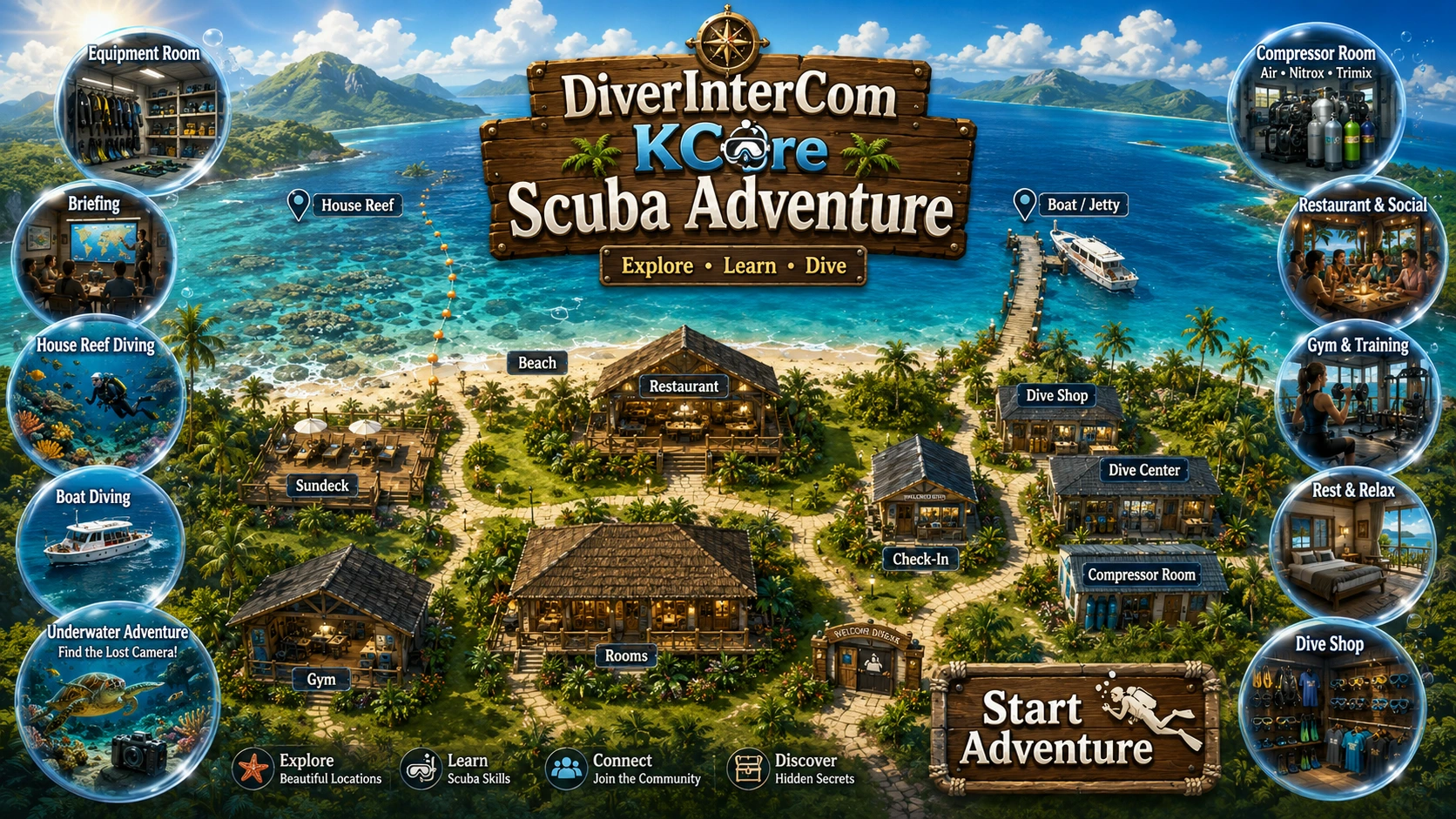
DiverInterCom KCore Scuba Adventure title screen showing the whole tropical resort map
GAME SETTINGS

Audio & Game Settings

Adjust the game audio. Land pages use the calm resort music, while underwater missions use a subtle underwater ambience. The same mute and volume setting works across the whole game.

Game audio Lagoon Check-In on land β€’ Blue Silence underwater
SilentVery lowFull

Tip: drag the slider or use βˆ’ / + for precise background music volume.

Tip: the default is intentionally very quiet so the music creates atmosphere without getting in the way of the game.
DIVERINTERCOM KCORE

Welcome to KCore Scuba Dive Resort

Explore. Learn. Dive. Build your diver.
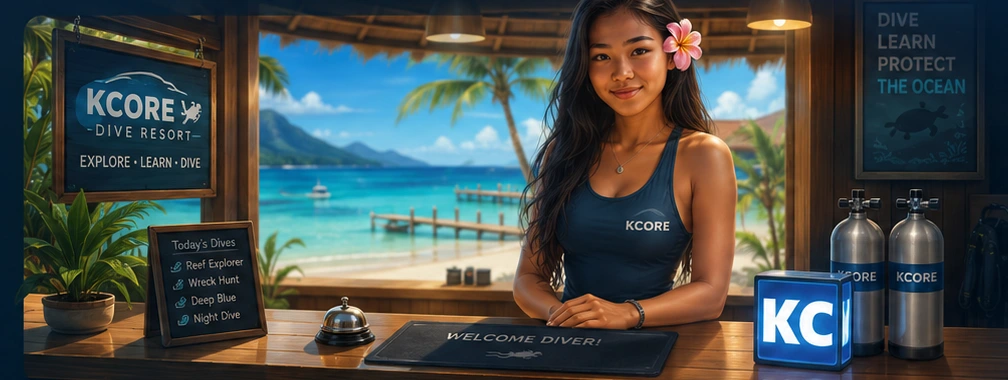
KCore Dive Resort check-in counter scene
CHECK-IN β€’ DIVING β€’ EXPEDITIONS

Guest mode: play the first recovery mission. Registered diver: save XP and unlock the resort.

RESORT REGISTRATION

Create your diver profile

Prototype saves your profile and XP in this browser only.

KCore Scuba Dive Resort
RESORT HUB

Welcome, Diver

Explore the resort, manage your diver profile, and choose missions from the Mission Hub. The Dive Center, Beach and House Reef all connect to the mission system.

0XP
RESORT GUIDE

Explore the Resort

Click any location card or open the resort map. Each area now has its own page with a picture, description, and actions.

Map navigationSite pagesMission 01Training
MISSION HUB

Dive Missions & Training Adventures

Choose your next adventure here. Missions can be reached from the Dive Center, Beach and House Reef. New missions will unlock as the beta grows.

ACTIVE DIVER Guest Diver 0 XP β€’ STA 100 β€’ ENG 100
MISSION 01

The Lost Camera

A guest lost a camera at the shallow house reef. Choose your equipment, recover it and return safely.

House ReefMax 12 mRecoveryAscent Safety
Reward100–175 XP
MISSION 02

Reef Watch

Dive the house reef to a maximum depth of 28 metres and take one photo of an Oreo nudibranch and one photo of a lionfish, then return safely.

House ReefMax 28 mMarine LifePhotography
Reward140–220 XP
MISSION 03

Deep Wall Dive

Board the dive boat, descend the wall to 35 metres, photograph the red coral, and return with a safe ascent while managing NDL and any deco obligation.

Dive BoatMax 35 mWall DiveRed Coral
Reward180–300 XP
MISSION 04

Shallow Wreck β€” Crystal Quiz

Explore the House Reef sandbank to a maximum depth of 28 metres, find the small blue crystal beside the fisherboat wreck, and complete two underwater skills questions.

House ReefMax 28 mShallow WreckSkills Quiz
Reward220–340 XP
MISSION 05

Underwater Mountain β€” Marine Biologist

Board the dive boat, descend to the offshore underwater mountain, safely collect two fish species hiding deep beneath opposite sides of the rock, and bring them back to the surface.

Dive BoatMax 36 mMarine Biology2 Fish Species
Reward260–390 XP + Certification
MISSION 06

Training Dive β€” Physics Crystal Quiz

Dive the UW playground / training parcour to a maximum depth of 30 metres, find the red, yellow and green crystals, solve the dive-physics questions, and return safely.

House ReefMax 30 mUW PlaygroundPhysics Quiz
Reward280–430 XP
MISSION 07

Open Water Diver β€” Sand Banks Quiz

Start a house reef / shore dive over the sand banks to a maximum depth of 22 metres, find five crystals, solve the open-water quiz questions, and return safely.

House ReefMax 22 mSand BanksOpen Water Quiz
Reward320–480 XP + Certification
MISSION 08

Thresher Shark Alley

Descend to the deep reef cleaning station, wait calmly for a thresher shark, take the photograph, then complete a 5 m safety stop and marine-life quiz.

Deep ReefMax 35 mThresher SharkSafety Stop
Reward380–560 XP + Certification
MISSION 09

Canyon Drift Dive

Board the drift boat for The Canyon, sprint against a strong current to reach the far-right crystal, solve the quiz, then drift back to the left exit and surface safely.

Dive BoatMax 26 mCurrent DiveCrystal Quiz
Reward420–620 XP + Certification
MISSION 10

The Cathedral β€” Recovery Dive

Board the dive boat for The Cathedral, search the dark bottom floor for a guest’s lost rental dive computer, recover it when you are close enough, and return safely.

Dive BoatMax 25 mCathedralRecovery Dive
Reward440–650 XP + Certification
SPECIAL MISSION

Live or Die β€” Deep Wreck Challenge

After collecting all 10 certification cards, unlock this extra special boat dive to a dark steel war frigate resting far below recreational limits. Reach the wreck, inspect the marker, and come back alive.

Dive Boat70–85 mDeep WreckSpecial Challenge
StatusNo reward yet β€’ Unlock with all 10 certification cards
SPECIAL MISSION 02

Sinkhole Traverse

Enter a jungle sinkhole and follow one continuous submerged cave system beneath the rock ceiling. Pass the central sinkhole opening, continue through the long scrolling passage, and surface safely at the jungle exit pond.

Jungle SinkholeOverhead CaveScrolling TraverseMax 30 m
StatusSpecial Mission β€’ Fixed 15 L / 200 bar loadout
SPECIAL MISSION 03

Coral Garden Explorer

Launch from the left house-reef entry point, explore a long scrolling coral garden, photograph the sea turtle, whitetip reef shark, and barracuda, solve three reef-biology crystals, then return safely to the entry buoy.

House ReefCoral GardenPhoto MissionReef Biology Quiz
Reward480–720 XP + Certification
SPECIAL MISSION 04

The Endless Ocean

Descend into the open blue for a deep exploration dive. Meet Alvin 1 at 50 m, observe a thresher shark around 30 m and a second research sub around 90 m, manage gas and decompression, then return safely.

Deep OceanMax 99 mResearch SubsExploration
Reward180–260 XP
MISSION 11

Shark Feed

Boat dive to an offshore shark-feeding site. Avoid the old fishing-net hazard, complete two safety crystals, record two minutes of shark-feeding video, then return safely.

Boat DiveMax 45 m2-Min VideoShark Safety
Reward480–680 XP
MISSION 03 β€’ DIVE BOAT TRANSIT

En route to the Deep Wall Dive Site

The captain and divemaster are taking you offshore to the deep wall. Descend the wall carefully, reach the red coral at around 35 metres, and watch your NDL, gas, and any deco stop requirement.
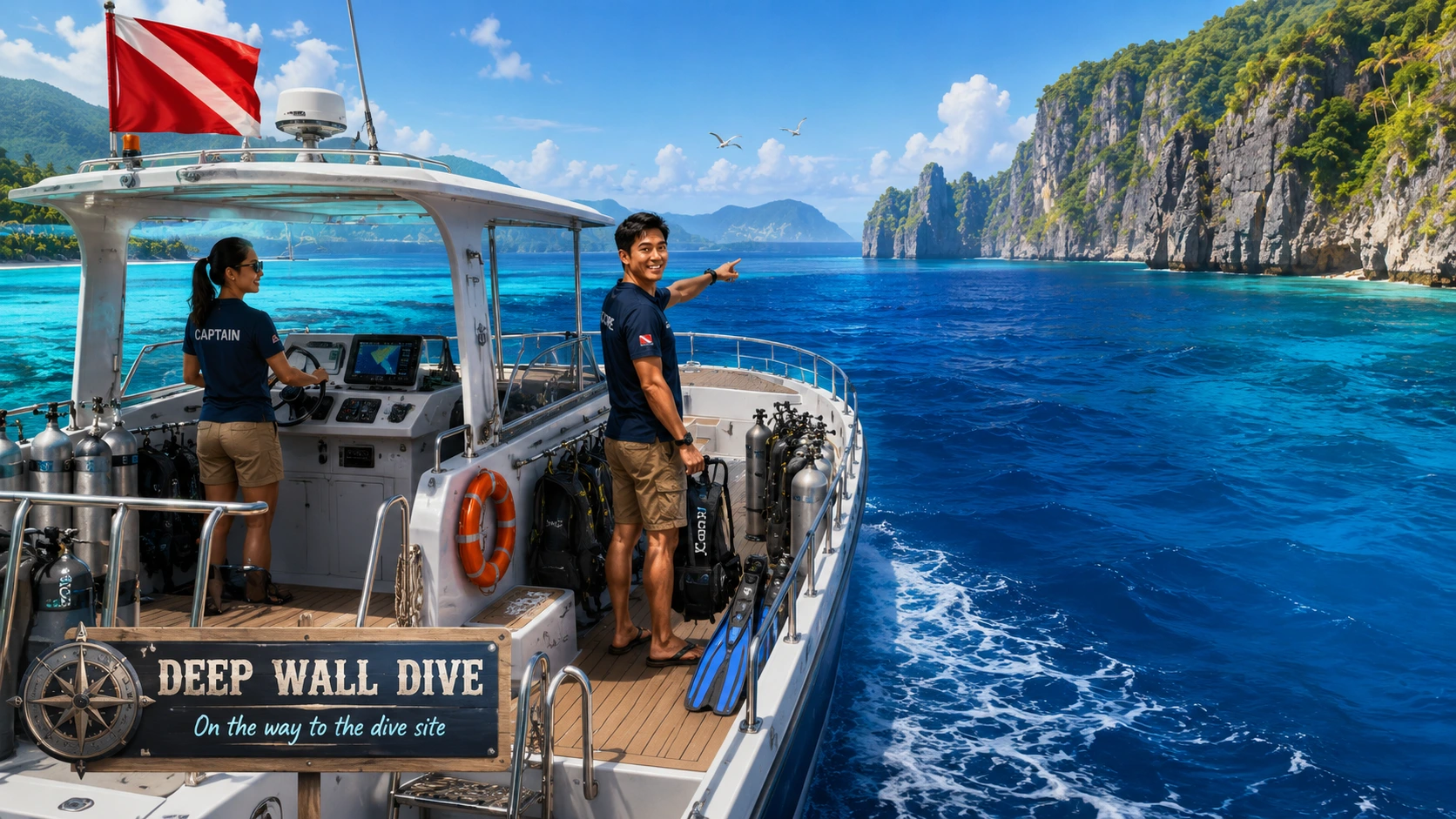
Dive boat with captain and divemaster heading to the deep wall dive site
KCore Mar Dive Boat Captain and divemaster taking you to the deep wall site.

Transit briefing

When you arrive, you will continue to the equipment room and final dive briefing. This mission starts from the dive boat instead of the beach.

Key reminders

  • Mission target: descend along the wall to about 35 m.
  • Photograph the glowing red coral and then return safely.
  • NDL becomes short at depth; if deco appears, complete the stops before surfacing.
  • Out of air or a severe deco-stop violation can fail the mission.
RESORT NAVIGATION

KCore Scuba Resort Map

Use the resort map as navigation. Click a hotspot on the map to open that resort area page.
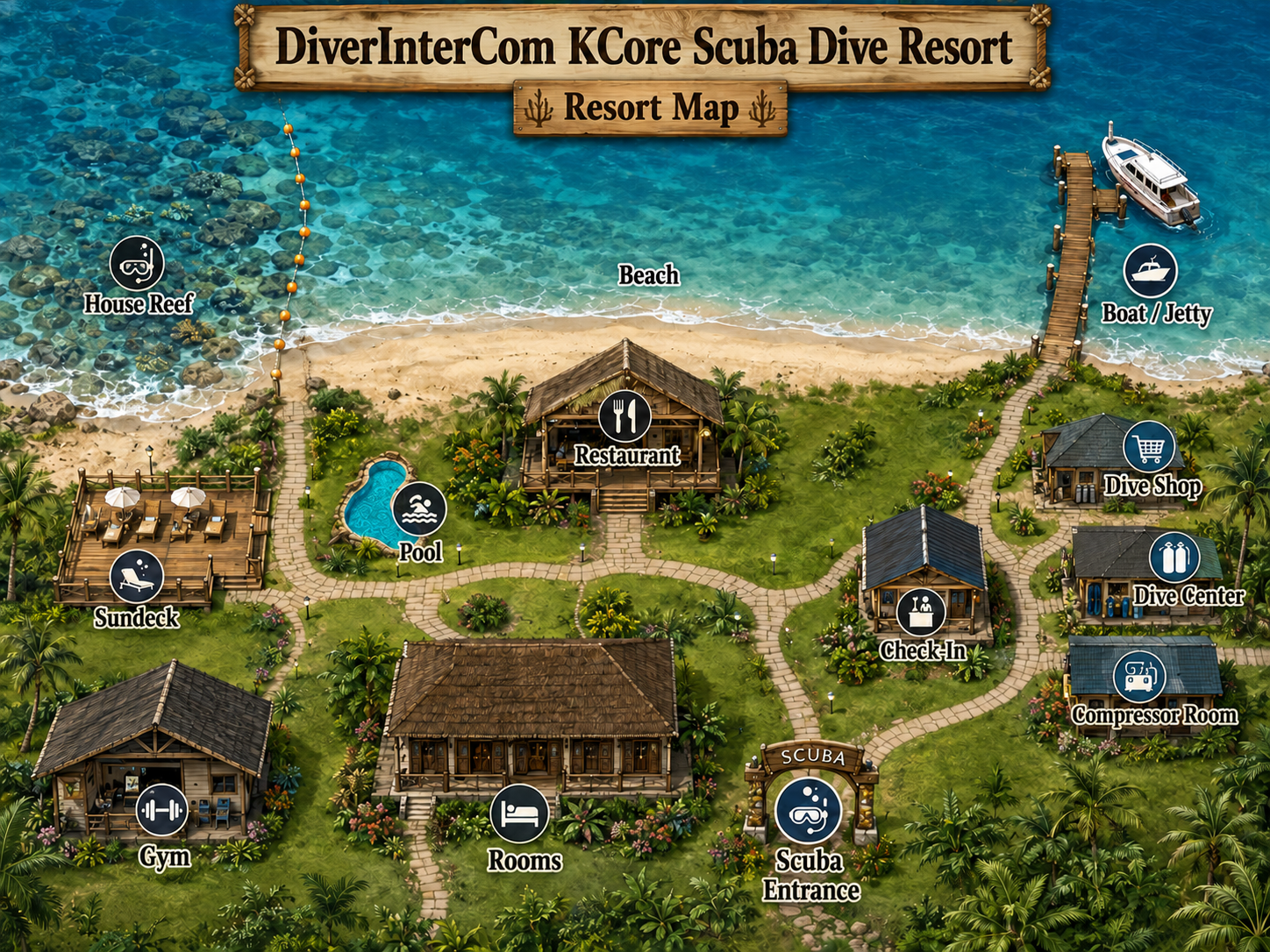
KCore Scuba Resort Map with Pool

Quick navigation

Select a resort area from the image or use the quick buttons below.
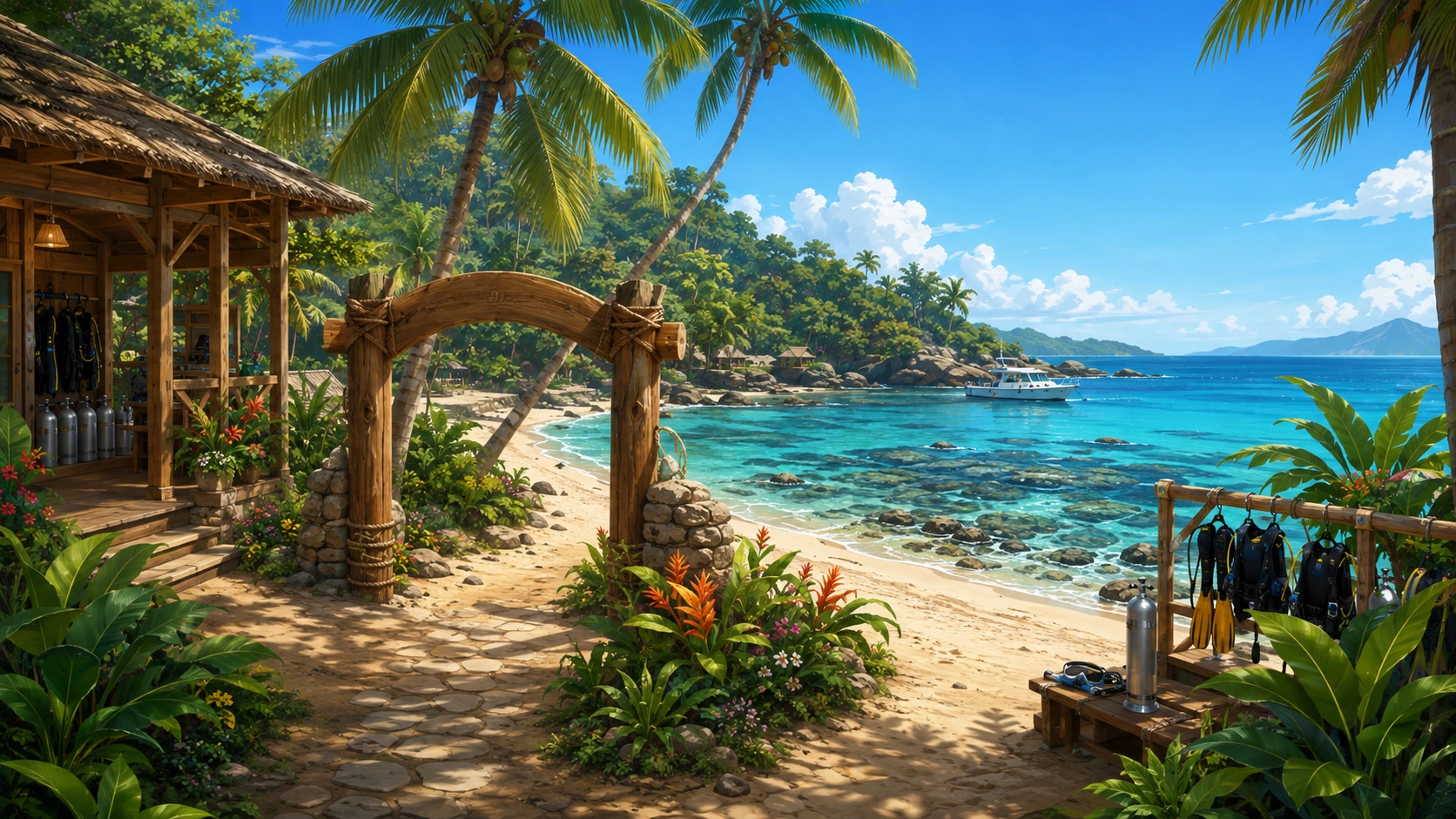
Tip: choose Dive Center, Beach or House Reef to quickly prepare the first mission dive.
Resort place
RESORT AREA

Place

Description

MY DIVE LOGBOOK

Diver Logbook & Certification Cards

Your successful mission dives and the KCore Scuba reward cards you have earned.

Completed Mission Dives

Certification Card Collection

Complete a mission safely and without violations to unlock its card.

DIVER PROFILE & EQUIPMENT

Registered Diver Profile

Your persistent beta diver identity: stats, progress, active mission and current equipment loadout.
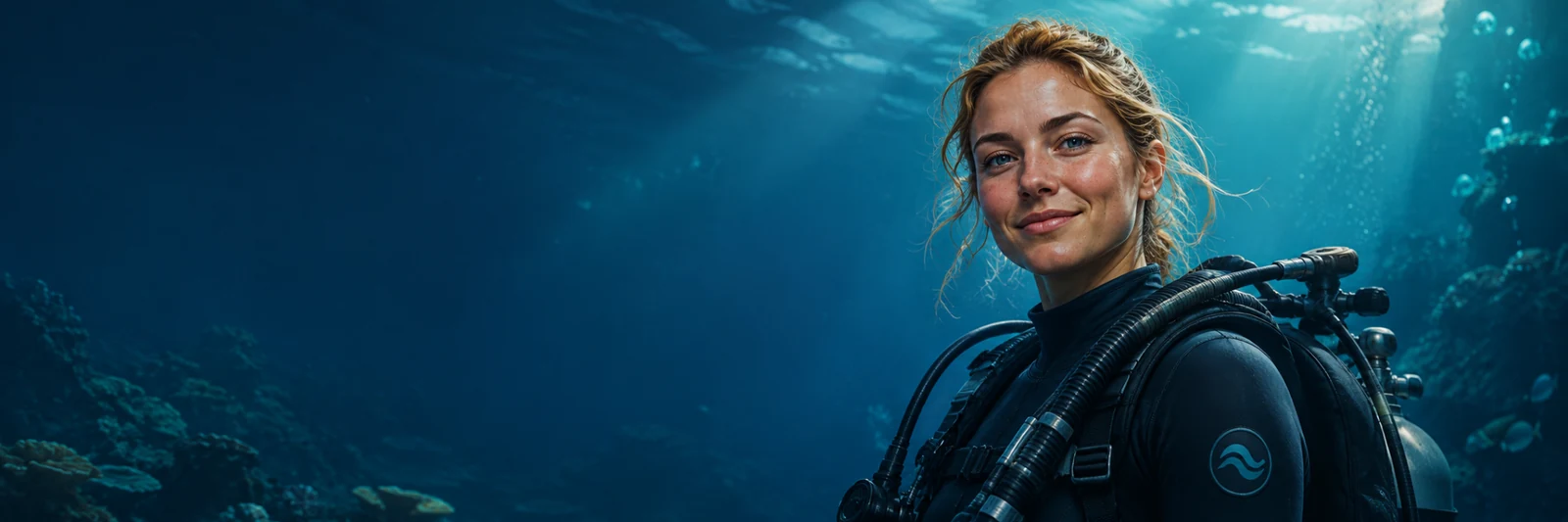
Registered diver profile portrait
REGISTERED DIVER

Diver

Female β€’ Age 30
LevelKCore Scuba Trainee
SexFemale
Age30
XP0
Stamina60
Energy70
Current MissionThe Lost Camera
Missions Completed0
Certification Cards0

Current equipment loadout

10 L STAGE / DECO CYLINDERS (carry up to 3)
With Technical Computer: 1 = back gas, 2/3/4 = stages. Unsafe gas switches are blocked by ppOβ‚‚ / MOD.
GUEST DIVE β€’ MISSION 01

The Lost Camera

You can try the first mission without registering. Progress will not be saved.

A guest lost his camera at the house reef. Please choose your dive equipment and retrieve it for us. Enter from the beach, find the lost camera underwater, and return safely to the surface.

ObjectiveRecover the camera and surface.
Maximum depth12 metres
Main lessonGas, depth and controlled ascent.
Mission controls
← β†’ / A DSwim left and right
↑ ↓ / W SAscend and descend with variable speed
Shift / SpaceHard finning sprint
ERecover the camera when close
EQUIPMENT ROOM

Choose your dive gear

Every main equipment group can now be selected individually. The first mission will start even with missing gear, but the dive can be locked if key items are missing.

Tank / Cylinder

Choose one cylinder size

Back Gas

Technical gas selection β€’ simplified game model

Trimix reduces nitrogen loading / narcosis at depth. The simulator is educational game logic, not a real dive-planning computer.

Mask

If you forget a mask, you cannot see underwater

Fins

If you forget fins, you cannot swim efficiently

BCD / Wing

Choose your buoyancy system

Depth & Time Instrument

Required to start the dive properly

Regulator First & Second Stage

Choose your main regulator set

Stage / Deco Cylinders

10 L cylinders β€’ carry up to three

Gas keys: 1 back gas, 2 / 3 / 4 stages. Computer blocks a switch when ppOβ‚‚ would exceed 1.60 bar. Oβ‚‚ MOD β‰ˆ 6 m β€’ EAN50 β‰ˆ 21 m β€’ EAN36 β‰ˆ 34 m.

Regulator Add-ons

SPG and inflator hose are required for this mission. Octopus optional.
MISSION BRIEFING

The Lost Camera β€” Dive Briefing

A guest lost his camera at the house reef. Please choose your equipment wisely, retrieve the camera for us, and return safely.
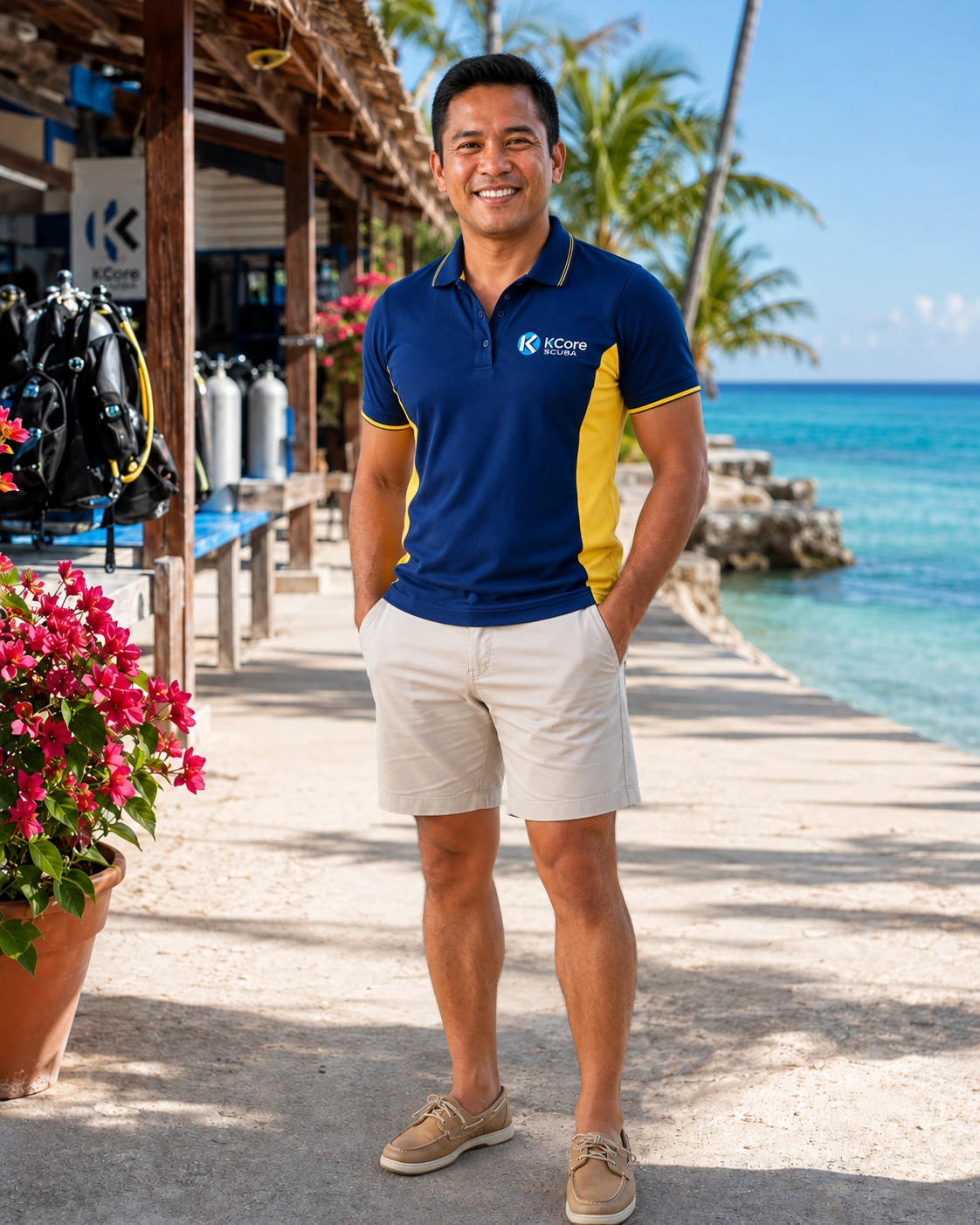
Male KCore Scuba instructor
Your dive briefing instructor Friendly KCore Scuba resort divemaster

Mission

Enter the house reef from the beach, find the lost camera, and surface safely.
Important reminders

  • Choose your equipment wisely before entering the water.
  • Do not disturb marine life such as big fish, turtles, or sharks.
  • Retrieve the camera and keep track of your depth, gas, and swimming.
  • Ascend slowly β€” a slow ascent is important for diver safety.
  • Try not to exceed the maximum safe ascent speed of 9 m/min.
Dive controls
← β†’ / A DSwim left and right
↑ ↓ / W SAscend and descend. Short taps stay slower; holding increases the rate.
Shift / SpaceHard finning sprint increases speed and breathing rate
ERecover the camera when you are close to it
KCore Dive Computer Mission 01
DEPTH
0.0 m
SWIM 0 m/min
ASCENT
0 m/min
CONTROLLED ASCENT
DIVE TIME
0 min
NDL ∞
TANK PRESSURE
200 bar
SAC 16 L/min
POβ‚‚
0.21 bar
ACTIVE BACK AIR
DECO
No deco
STAGES None
ppNβ‚‚ 0.79 bar Β· He 0%
MISSION Find camera
← β†’ swim and accelerate ↑ ↓ tap/hold: 6.5 β†’ 8.7 β†’ 18 m/min Shift / Space hard finning sprint E interact / take photo / inspect 1–4 / Numpad 1–4 gas switch β€’ computer enforces MOD / ppOβ‚‚